Hot Line: 01990098900,
Selecting the correct toner cartridge for an HP laser printer is not just a matter of purchasing the cheapest one. When choosing a replacement toner, the cartridge model, part number, printer compatibility, and expected page yield all play an important role.
Among the most searched toner cartridges by buyers in Bangladesh are 55A, 85A, and 26A. These cartridges are designed for different printer models and should not be considered interchangeable.
In this guide, we will explain the differences between these popular toner models, their key specifications, compatibility considerations, and essential factors to check before buying a replacement cartridge.
Quick Comparison of 55A, 85A & 26A Toner
| Toner Model | Part Number | Approx. Page Yield | Main Consideration |
| 55A | CE255A | 6,500 pages* | Higher-volume printing |
| 85A | CE285A | 2,000 pages* | Compact/regular document printing |
| 26A | CF226A | 3,100 pages* | Business and office printing |
*Approximate yield at 5% coverage. Actual yield can vary depending on document coverage, printer settings and printing conditions.
The three toner models have different part numbers and printer compatibility. Therefore, the first step before buying should always be checking your printer model and the cartridge specification it requires.
What are 55A, 85A and 26A?
Toner cartridges are identified by model numbers like 55A, 85A and 26A.
You may also find these cartridges by their part numbers:
- 55A → CE255A
- 85A → CE285A
- 26A → CF226A
The model name and part number are helpful when looking for a replacement cartridge.
For example, someone looking for HP 26A toner may also be looking for CF226A toner. These terms refer to the same cartridge family, but compatibility with the printer should still be confirmed before ordering.
55A Toner: Compatibility and Page Yield
The 55A toner uses part number CE255A.
MTECH lists its 55A compatible toner for HP LaserJet P3015 series and Canon LBP6750, with an approximate yield of 6,500 pages at 5% coverage.
55A Toner Page Yield
MTECH lists an approximate page yield of 6,500 pages for its 55A compatible toner.
Actual page yield may vary based on:
- Number of words per page
- Graphics & images
- Print concentration
- Printer preferences
- How often published
When considering the value of toner for offices with regular black-and-white printing needs, page yield can be an important factor.
55A Toner Price in Bangladesh
Prices on toner cartridges are subject to change based on market conditions and product availability.
Instead of picking a cartridge based on its price at the moment, compare the price to the expected page yield, and ensure that the cartridge is compatible with your printer.
If you are in need of CE255A for your printer, check out the current MTECH 55A product listing for price and availability.
Who Should Use 55A Toner?
A 55A compatible toner is suitable for users whose printer specifically requires CE255A.
Before ordering, check the printer model against the product’s compatibility information.
85A Toner: Compatibility and Page Yield
The 85A toner uses part number CE285A.
MTECH lists its 85A compatible toner for:
- HP LaserJet P1102
- HP LaserJet P1102W
- Canon LBP6000
The listed approximate yield is 2,000 pages at 5% coverage.
Page Yield of 85A Toner
MTECH lists an approximate yield of 2,000 pages for its 85A compatible toner.
The number of pages you can actually print depends on the content of your documents. Documents with lots of graphics or large blocks of black use more toner than simple text documents.
85A Toner Price Bangladesh
It is good to compare more than the upfront cartridge price for 85A toner price in Bangladesh.
Consider:
- Compatible Cartridges
- Expected page yield
- Printing volume
- Product quality
- Current availability
MTECH’s current product listing can be checked for the latest 85A price and availability.
Who Should Use 85A Toner?
The 85A is intended for printers that require the CE285A cartridge specification.
If your printer is an HP LaserJet P1102 or P1102W, check the recommended cartridge specification before purchasing.
26A Toner: Compatibility and Page Yield
The 26A toner uses part number CF226A.
MTECH lists its 26A compatible toner for selected HP LaserJet Pro models, including:
- HP LaserJet Pro 402N
- HP LaserJet Pro 402DN
- HP LaserJet Pro 402DW
- HP LaserJet Pro MFP 426FND
MTECH lists an approximate yield of 3,100 pages at 5% coverage.
26A Toner Page Yield
A 26A toner cartridge can provide a listed approximate yield of 3,100 pages, although actual performance depends on the type and amount of content printed.
For example, a document containing mostly text may consume less toner than pages containing large images, charts or heavy black areas.
Price of HP 26A Toner in Bangladesh
HP 26A toner price in Bangladesh is a term that is often used by buyers looking for the CF226A cartridge. But price should not be the only consideration.
Before you order a 26A toner, make sure to:
- Your printer model
- Cartridge part number
- Expected page yield
- Product specifications
- Current price and availability
For the latest MTECH 26A price and product information, check the relevant product page.
Who Should Use 26A Toner?
The 26A is relevant for printers that require CF226A.
If your printer belongs to one of the supported HP LaserJet Pro 402-series models, verify the exact printer model before placing an order.
55A vs 85A vs 26A: What Is the Difference?
Although 55A, 85A and 26A are all black toner cartridges, they are not interchangeable.
The most important differences are their part numbers, compatible printers and expected page yields.
| Feature | 55A | 85A | 26A |
| Part Number | CE255A | CE285A | CF226A |
| Approx. Yield | 6,500 pages | 2,000 pages | 3,100 pages |
| Printer Compatibility | Specific models | Specific models | Specific models |
| Best Selection Method | Match printer + part number | Match printer + part number | Match printer + part number |
The correct cartridge depends on your printer, not simply on which model has the highest page yield or lowest price.
How to Find the Correct Toner for Your HP Printer
If you are unsure which toner to buy, follow these steps.
-
Check Your Printer Model
Find the exact model number printed on your printer or available through the printer’s settings.
-
Check the Existing Cartridge
If possible, look at the cartridge currently installed in your printer.
You may find a part number such as CE255A, CE285A or CF226A.
-
Match the Part Number
Once you know the part number, look for a replacement cartridge with the same required specification.
For example:
55A → CE255A
85A → CE285A
26A → CF226A
-
Verify Compatibility
Do not assume that two cartridges are interchangeable simply because they are both black toner cartridges.
Always compare the printer model with the seller’s compatibility list.
-
Compare Page Yield
After confirming compatibility, compare the expected page yield with your normal printing volume.
Someone printing a few dozen pages per month may have different requirements from an office printing several thousand pages.
Why Page Yield Matters When Buying Toner
Page yield provides an indication of how many pages a cartridge may print under a specified testing condition.
It is useful when comparing toner cartridges, but it should not be the only factor.
For example:
- MTECH 55A: approximately 6,500 pages
- MTECH 85A: approximately 2,000 pages
- MTECH 26A: approximately 3,100 pages
A higher page yield does not mean that cartridge is better for every printer. Each model is designed for particular printer specifications.
Therefore, think about page yield after confirming compatibility.
Should You Only Look At Price When Buying Toner?
No. The mistake many people make is looking at the upfront price of a toner cartridge and end up paying more for printing in the long run or buying an incompatible toner cartridge.
Look at the whole picture before buying to get real value:
Total Value = Compatibility + Page Yield + Print Needs + Product Quality + Price
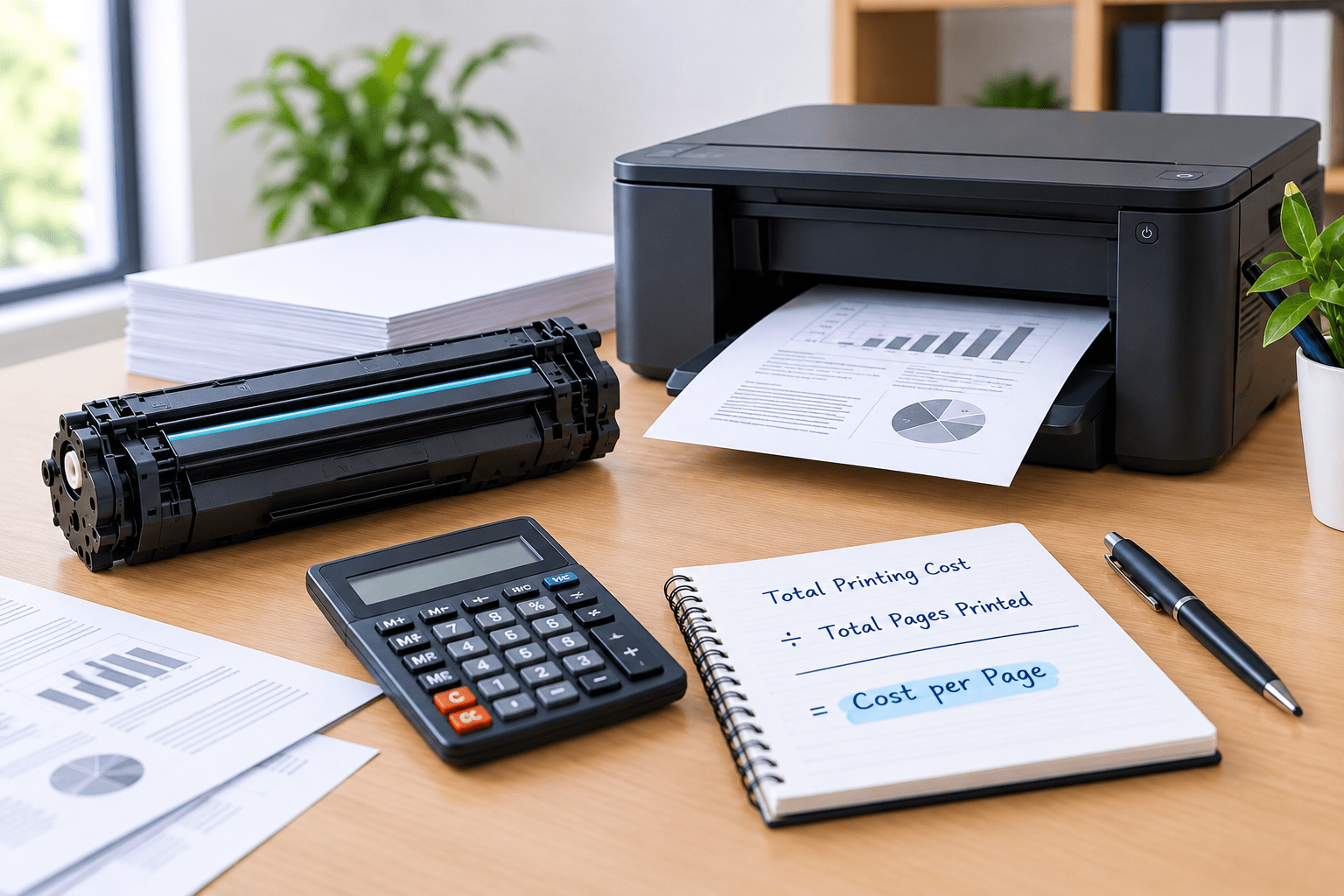
But an upfront price can be deceptive. The Cost-Per-Page Trap: A lower purchase price isn’t always a savings. In the long run, if a cheap cartridge has a much lower page yield, then your actual cost per printed page is much higher.
- Compatibility Is Key: A low price is pointless if the cartridge won’t fit physically or talk to your printer model.
- Quality & Reliability: Cheap alternatives often produce faint prints, toner leaks or uneven black density, costing you extra in wasted paper and reprints.
Always estimate the cost per page, not the price on the sticker of a cartridge, for printing documents for daily use.
What to Look For in Compatible Toner?
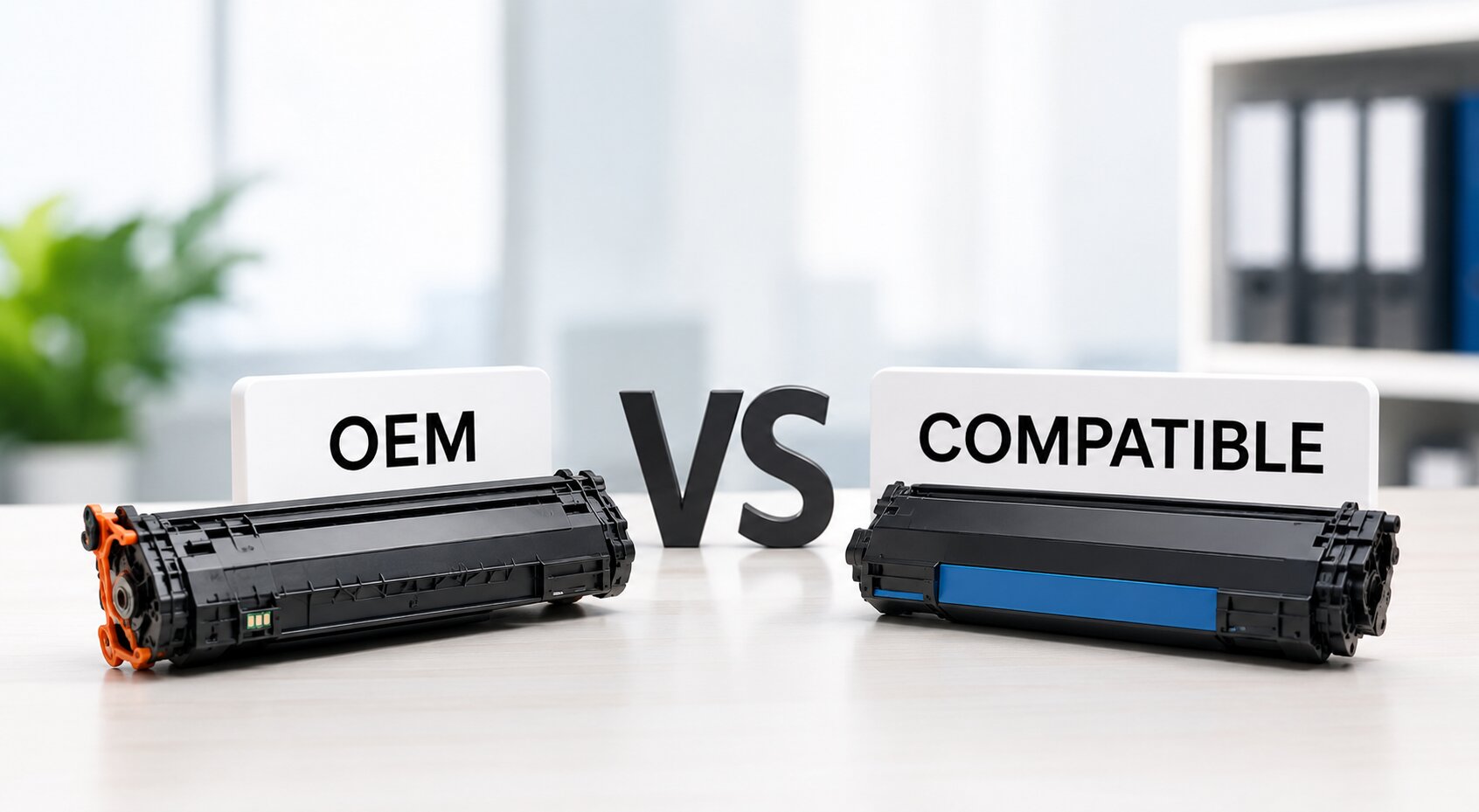
Compatible toner cartridges are produced to the specifications of a particular printer and cartridge. They are third-party cartridges.
If you are looking for a compatible toner, look:
- Exact printer model
- Cartridge part number
- Page yield
- Product specifications
- Seller information
- Current price
- Warranty or support information, if provided
Compatibility should always be the priority.
Common Toner Buying Mistakes
Buying the Cheapest Cartridge Without Checking Compatibility
A low price does not help if the cartridge does not match your printer.
Confusing Similar Toner Models
55A, 85A and 26A are different cartridge models.
Always check the part number.
Ignoring Page Yield
If you print frequently, page yield can have a significant effect on your ongoing printing costs.
Assuming Every HP Laser Printer Uses the Same Toner
Different HP printer families use different toner cartridge specifications.
Cartridge Price Comparison Only
Compare options based on expected page yield and your printing volume.
Which Toner Is Right for You?
The answer depends on your printer.
Choose 55A if your printer requires CE255A
The MTECH 55A is listed for supported HP LaserJet P3015-series printers and has an approximate listed yield of 6,500 pages.
Choose 85A if your printer requires CE285A
MTECH lists its 85A compatible toner for HP LaserJet P1102 and P1102W, with an approximate yield of 2,000 pages.
Choose 26A if your printer requires CF226A
MTECH lists its 26A-compatible toner for selected HP LaserJet Pro 402-series and MFP 426FND models, with an approximate yield of 3,100 pages.
The important point is simple:
Choose the cartridge that matches your printer—not simply the cartridge with the lowest price or highest page yield.
Frequently Asked Questions
Difference between 55A toner and 85A toner?
55A and 85A are different models of toner cartridges with different part numbers and printer compatibility. CE255A for 55A CE285A for 85A.
How much does 55A toner cost in Bangladesh?
The price is subject to change according to seller, availability and product specification. For current pricing, please visit the MTECH 55A product page.
What is the price of 85A toner in Bangladesh?
85A toner price is subject to change. See current MTECH product listing for latest price & availability.
What is the HP 26A toner price in Bangladesh?
The price of the 26A toner varies by product and availability. You can check the current price for the 26A compatible toner on MTECH’s product page.
Is 26A the same as CF226A?
Yes. The cartridge is designated as model 26A and the part number for the cartridge is CF226A.
Is 85A the same as CE285A?
Yes. The part number is CE285A, it is the model designation.
55A and CE255A are the same.
Yes. 55A is the model designation and CE255A is its part number.
How do I know which toner my HP printer needs?
Check your exact printer model and then verify the recommended toner cartridge part number. You can also check the part number printed on your existing cartridge.
Does a higher page yield mean better toner?
Not necessarily. Page yield is one factor. You should also look at compatibility, print quality, cartridge construction, printing needs and overall value.
Can I use 55A instead of 85A?
No. 55A and 85A are different cartridge specs. Use the toner model that is recommended for your printer.
Final Thoughts
55A, 85A and 26A are three different toner cartridge models and each have a different part number, printer compatibility and expected page yield.
Follow this simple process before you buy a replacement cartridge: Check your printer -> Find the cartridge part number → Verify compatibility → Contrast page yield → Check current price This will help you avoid buying a cartridge that is not compatible, and make a more educated purchasing decision.
If you already know your printer model, use the exact cartridge specification recommended for that printer rather than choosing a toner based only on price