Hot Line: 01990098900,
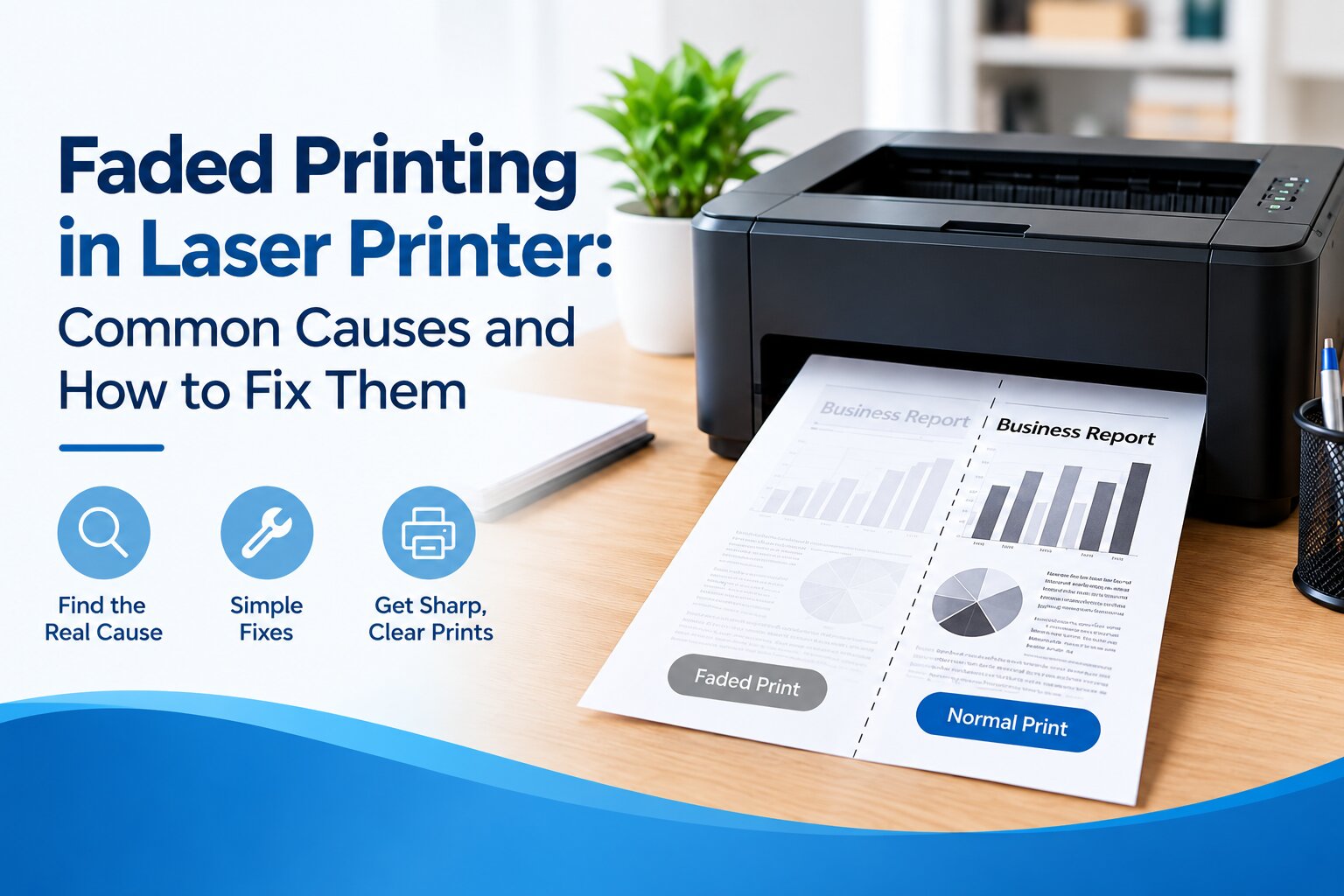
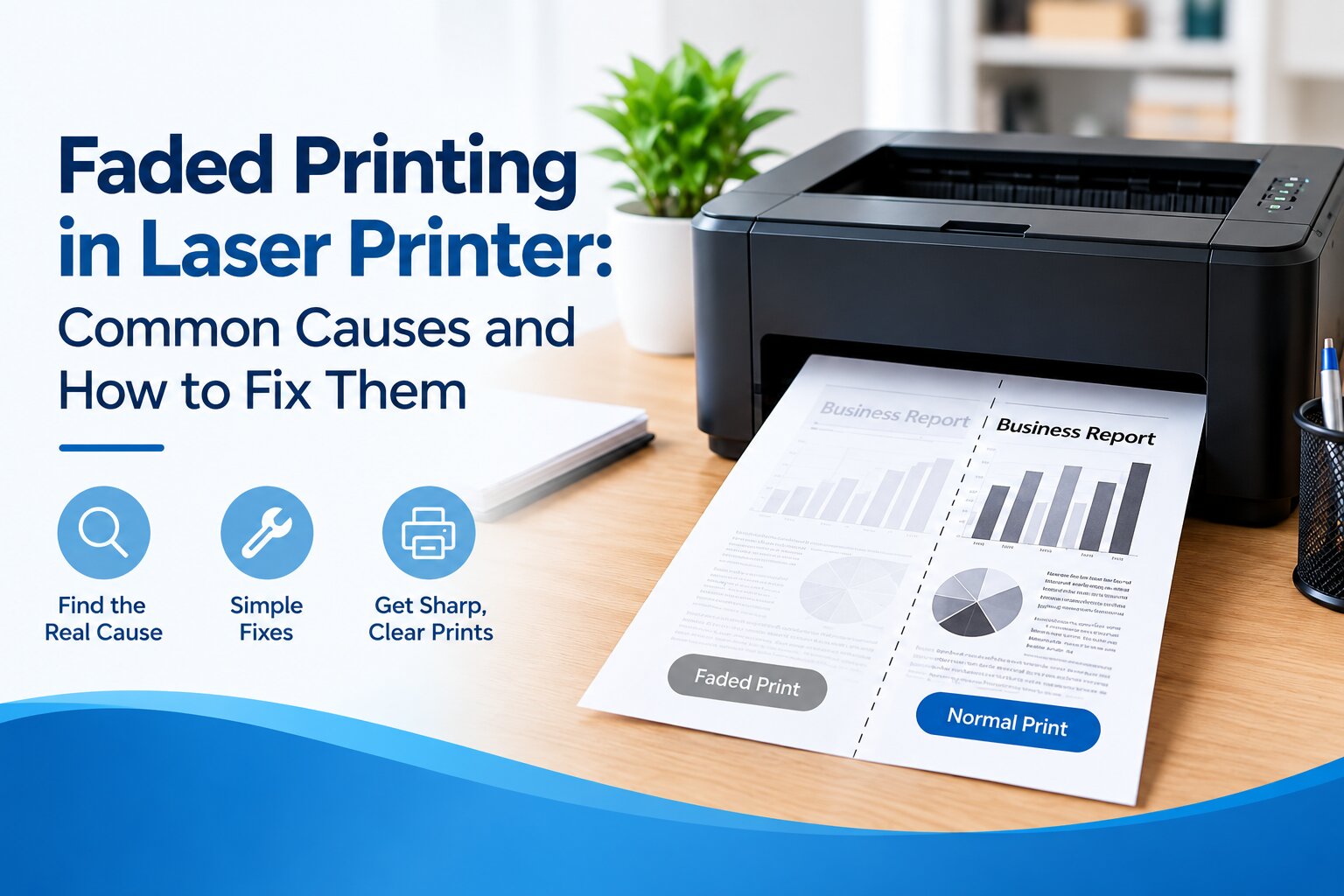
When printed text or images appear lighter than usual, making the documents harder to read, it means you have a faded printing problem.
Faded printing in a laser printer is a common issue. It’s usually caused by low toner, toner distribution issues, a dirty laser scanner, or a worn-out drum unit.
Common Causes of Faded Printing in Laser Printers
If your printer is producing faded prints, identify the cause first. It’ll make troubleshooting easy and prevent the issue from happening again.
1. Low Toner Level
Reason: When the toner cartridge runs low on toner powder, the printer might produce faint text or images across the page.
What to do:
- Check the toner level regularly.
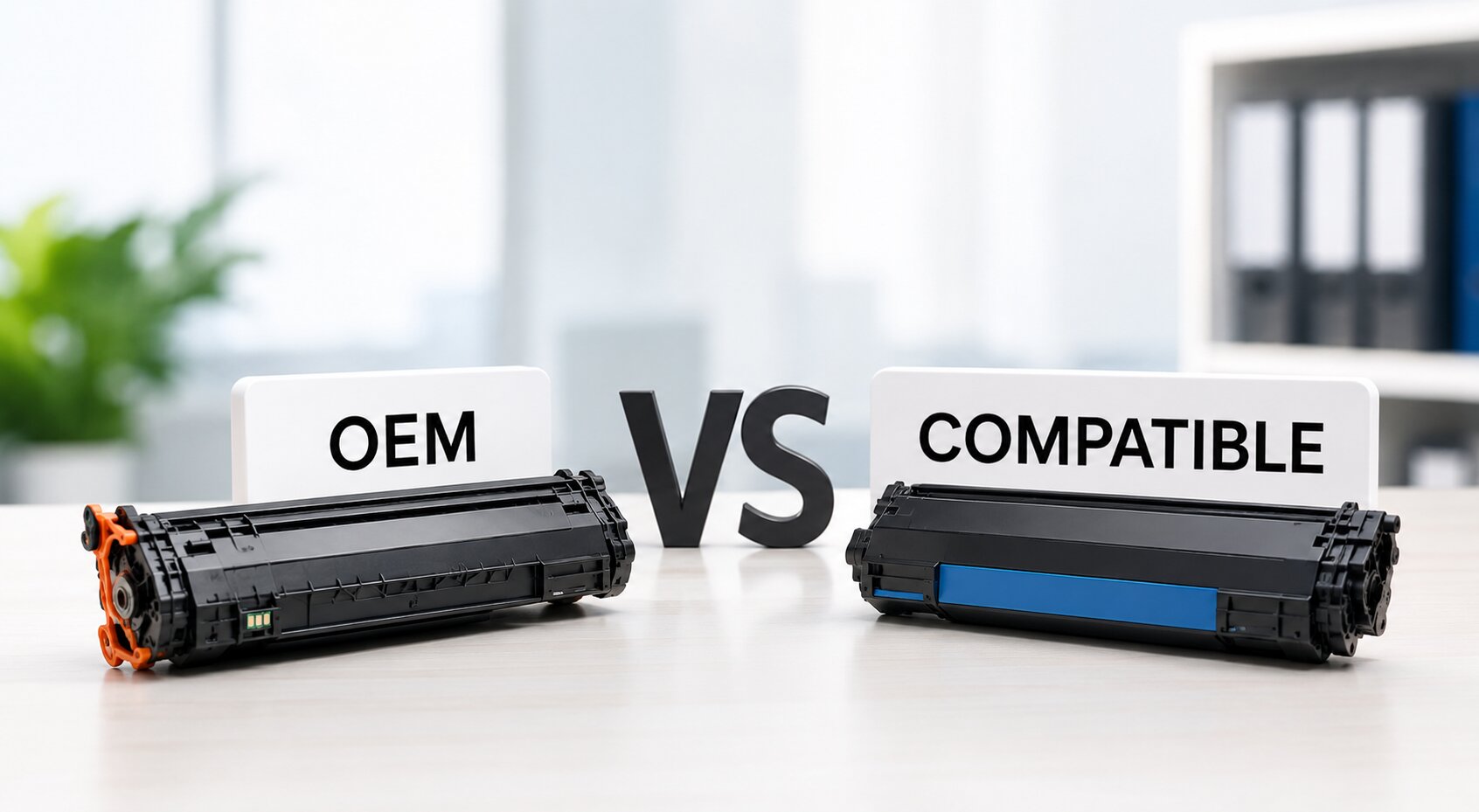
- Keep a backup compatible toner cartridge available for emergency cases.
- Replace the cartridge when print quality worsens consistently.
- Use toner-saving mode only when appropriate.
Also Read: Make Your Toner Cartridge Last Longer: 10 Tips That Actually Work
2. Toner Cartridge Problems
Reason: A damaged, defective, or improperly installed toner cartridge may not distribute toner evenly, which can result in faded or patchy prints. Poor-quality or incompatible toner cartridges can also cause this problem.
What to do:
- Use reliable printer-compatible toner cartridges.
- Install the cartridge correctly according to the manufacturer’s instructions.
- Avoid exposing toner cartridges to excessive direct sunlight, heat, or moisture.
- Handle cartridges carefully to prevent damage.
3. Incorrect Print Settings
Reason: If you’re using toner-saving mode, draft mode, or low print-density settings, any of these options can cause the printer to produce lighter prints than expected.
What to do:
- Check the print settings before printing important documents.
- Disable toner-saving or draft mode when you need darker output.
- Adjust print density if the printer provides this option.
- Select the appropriate print-quality setting for the document.
4. Dirty Laser Scanner Window
Reason: Dust or toner particles on the laser scanner window can interfere with the laser beam, preventing toner from being transferred properly to certain areas of the page.
What to do:
- Keep the printer in a clean, dust-free room.
- Regularly clean the parts you can reach, according to the manufacturer’s instructions.
- Avoid opening the laser scanner assembly unless you’re qualified to do so.
- Schedule professional servicing when internal cleaning, such as the laser scanner and developer unit, is necessary.
Note: Not all internal parts need regular cleaning. The required maintenance depends on the printer model, and some components should only be serviced by a qualified technician.
5. Worn or Damaged Drum Unit
Reason: The drum unit helps transfer the toner image onto the paper. If it becomes worn, scratched, or damaged, you might see faint text, faded areas, or uneven printing on the paper.
What to do:
- Check the drum unit when print quality begins to decline.
- Replace the drum when the manufacturer recommends it or when it stops working properly.
- Avoid touching the drum’s photosensitive surface.
- Protect the drum from direct light and physical damage.
6. Poor-Quality or Unsuitable Paper
Reason: Damp, unsuitable, or poorly stored paper can affect toner transfer and produce inconsistent print quality.
What to do:
- Use paper of the correct size and type recommended for your printer.
- Store paper in a cool, dry place.
- Keep paper sealed when not using.
- Avoid using damp, curled, or damaged sheets.
7. Developing or High-Voltage System Problems
Reason: Sometimes, even a new toner cartridge can produce consistently faded prints. The reason behind this could be a faulty developing system or high-voltage power supply, which prevents the toner from being distributed or transferred correctly onto the paper.
What to do:
- Maintain your printer regularly as recommended by the manufacturer.
- Don’t replace printer parts until you identify the actual problem.
- If basic troubleshooting doesn’t fix the issue, ask a qualified technician for help.
When Should You Replace Your Toner Cartridge?
If you’ve ruled out the above issues and other common causes of faded printing, maybe it’s time to replace the toner cartridge.
Consider purchasing a new toner cartridge if:
- The prints look light or faded
- The printer is showing a low-toner warning
- Some prints on the paper look lighter than the other, even after troubleshooting
- The printing quality doesn’t improve after refilling the cartridge
- The cartridge is broken or leaks toner
- The printer displays a toner cartridge replacement message
Final Tips for Reliable Laser Printing
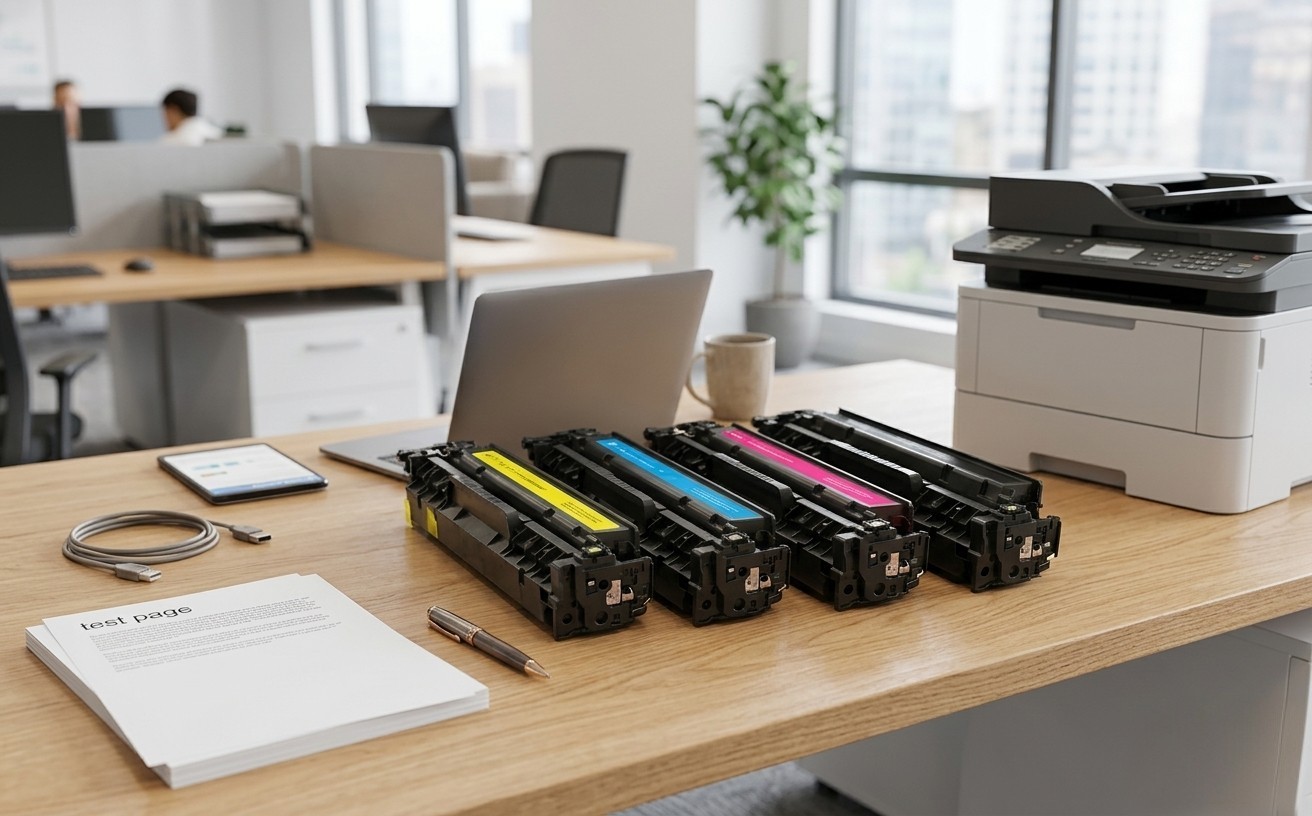
To avoid unexpected printing problems, consider keeping a spare toner cartridge on hand, especially if you regularly print important documents.
It’s also a good idea to print a test page occasionally to monitor print quality and spot changes early. These small habits can help you avoid last-minute interruptions and keep your printer ready whenever you need it.