Hot Line: 01990098900,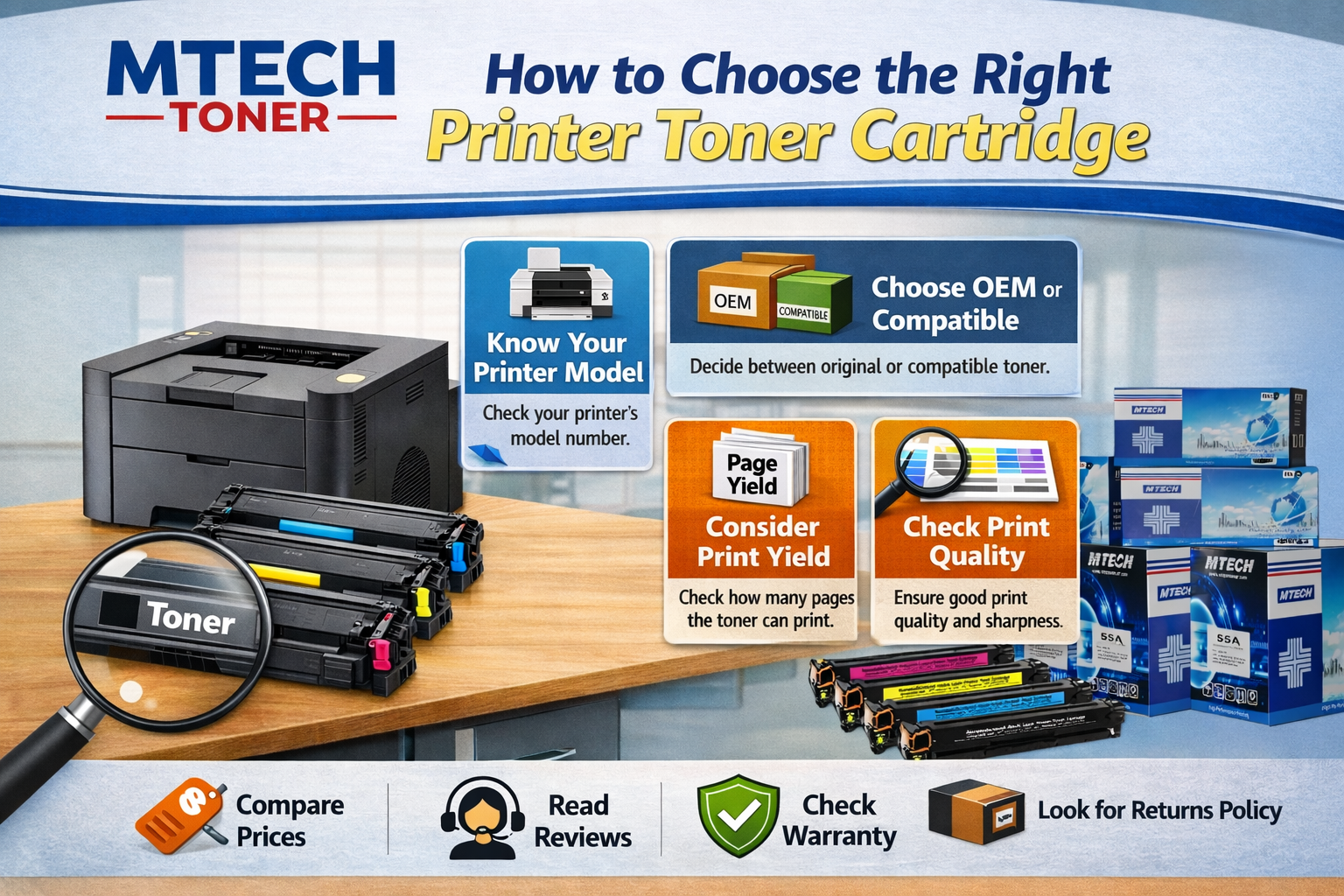
Buying a printer toner cartridge can feel confusing — especially if you’ve ever ordered the wrong cartridge or paid more than you should. With different printer models, cartridge numbers, prices, and quality levels, it’s easy to make mistakes.
This guide breaks down everything on how to choose toner for your printer so you can confidently buy the right toner depending on your usage and budget without wasting money.
Inkjet Printers vs. Laser Printers
Before buying anything, confirm whether your printer is a laser printer or an inkjet printer.
- Laser printers use toner cartridges
- Inkjet printers use liquid ink cartridges
Toner is a fine powder that gets fused onto paper using heat. Because of this, laser printers are fast, efficient, and ideal for offices or frequent printing. If your printer is a color laser printer, it uses four toners: black, cyan, magenta, and yellow.
You know what kind of printer you have. Now do the following:
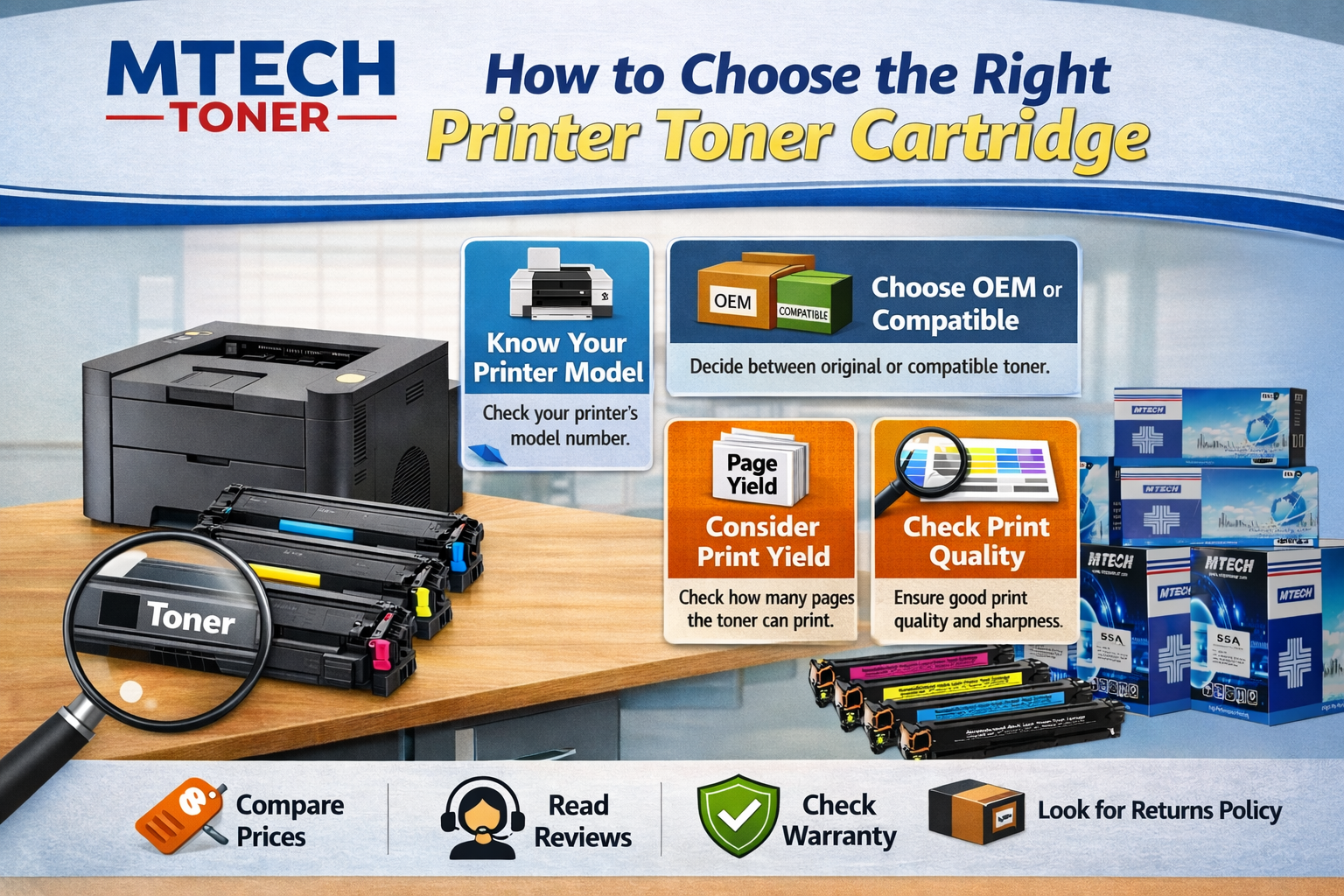
1. Check the Correct Cartridge Number
Every printer model supports specific cartridge numbers. Even if two cartridges look similar, using the wrong one can result in poor print quality or the printer not recognizing it at all.
You can find the correct cartridge number by:
- Checking your existing toner cartridge
- Looking at the printer’s user manual
- Searching your printer model on the manufacturer’s website
Always match the exact cartridge number, not something “close enough”.
2. Understand Your Printing Needs
Before choosing a toner, think about how you actually use your printer.
How often do you print?
- Occasional printing – Standard toner is usually enough
- Regular or office printing – High-yield toner saves money in the long run
What do you print?
- Documents and text – Most toners work well
- Graphics, reports, presentations – Better-quality compatible toner or original toner gives cleaner results
Black & white or color?
- Monochrome printers only need black toner
- Colour printers need four cartridges (CMYK)
3. Standard vs High-Yield Toner (Which Is Better?)
- Standard toner cartridges are cheaper upfront, but print fewer pages.
- High-yield toner cartridges cost more initially but print many more pages — often making them cheaper per page.
If you print regularly (office, school, shop, business), high-yield toner usually gives better value.
4. Understanding Printer Toner Cartridge Prices in Bangladesh
Toner prices in Bangladesh vary depending on:
- Printer brand and model
- Original vs compatible vs remanufactured
- Standard vs high-yield
What really matters: Cost per page
Instead of looking only at the price, consider:
Price ÷ page yield = real printing cost
A cheaper toner that prints fewer pages may end up costing more over time.
Read: 25 Practical Ways to Save Money on Printing Costs
A practical tip for Bangladeshi buyers
- If you print a lot, spending slightly more on a reliable high-yield or good-quality compatible toner often saves money
- If you print occasionally, a standard cartridge may be enough.
Note: Avoid extremely cheap cartridges with no warranty or brand reputation. They often cause faded prints, streaks, or printer errors.
Read: The Ultimate Guide to Laser Printer Toner Price in Bangladesh
5. OEM, Compatible, or Remanufactured Toner?
OEM (Original) Toner
- Made by the printer manufacturer
- Best quality and reliability
- Usually the most expensive
Compatible Toner
- Made by third-party manufacturers
- More affordable
- Quality depends on the supplier
Remanufactured Toner
- Recycled original cartridges that are cleaned and refilled
- Eco-friendly
- Choose trusted brands only; poor ones may leak or print unevenly
For printer toner users in Bangladesh, good-quality compatible or remanufactured toner from a trusted printer toner provider offers the best balance between price and performance.
Common Mistakes to Avoid When Buying Printer Toner
Many toner problems come from small but costly mistakes. Here’s what to avoid while buying a printer toner cartridge:
- Buying based on price alone
- Ignoring cartridge number compatibility
- Mixing poor-quality cartridges with original ones
- Choosing unreliable brands with no warranty
- Buying color toner when you mostly print black
Taking a few extra minutes to check details can save you a lot of hassle later.
Read: How to Detect Fake HP Toner Cartridge
Toner-Related Print Problems (And What They Mean)
If your prints don’t look right, the toner may be the issue:
- Faded or light prints – Low toner or poor-quality cartridge
- Lines or streaks – Toner or drum issue
- Uneven color – Toner clumping or expired cartridge
- Smudging – Low-quality toner or fuser problem
These issues don’t always mean your printer is damaged. Most of the time, replacing the toner solves the problem.
Do Toner Cartridges Expire or Dry Out?
One of the advantages of laser toner is that it doesn’t dry out as easily as ink because it’s a powder. However, it can go bad if stored improperly.
- Unopened toner usually lasts 2-3 years and even longer, depending on the storage process.
- Once installed, try to use it within 6 months
- External factors such as heat, humidity, and moisture can cause toner powder to clump
How to Store Toner Cartridges Properly
- Keep in original packaging
- Store in a cool, dry place
- Avoid direct sunlight
- Don’t expose to humidity
- Store it horizontally as indicated on the packaging; not upside down
When you buy toner cartridges in bulk, these storage tips will help your toners last longer.
How to Check Toner Levels Accurately
Most printers show toner levels on:
- The printer screen
- Your computer’s printer software
Keep in mind:
- “Low toner” warnings are often precautionary, and you may still get many prints after the warning
- Gently shaking the cartridge can temporarily help you print a little more — but don’t rely on it long-term
Quick Decision Guide
Here’s what you need to remember primarily when you need to choose a printer toner cartridge:
- Print a lot → High-yield toner
- Need best quality → OEM or premium compatible
- Budget-focused → Trusted compatible or remanufactured
- Environment-conscious → Recycled toner or compatible toner with warranty
- Office use → Reliable brand with support
Need Help Choosing the Right Printer Toner?
If you’re unsure which toner is right for your printer, you don’t have to figure it out alone. Mtech offers low-end, mid-range, and high-end toner options, including both black & white and color cartridges for laser printers from Canon, HP, Epson, Brother, and Samsung.
Our team understands your needs and is always ready to help you choose the most suitable toner for your setup.
Reach out to us for clear, practical guidance and print confidently.